


AI skills for a brighter tomorrow
Kids don’t
just use AI.
They build
with it.
One-on-one live lessons that turn kids from AI users into creators. Real projects, real skills, and a brighter tomorrow.

1-on-1 live lessons
With expert mentors
Hands-on projects
Build real things

Age-appropriate
Designed for curious minds

Safe & supportive
A positive, creative environment
Real skills. Real projects.
Turn curiosity
into creation.
From coding with AI to designing games, apps, art and more, our personalized lessons help kids explore, build and grow with the most powerful tools of our time.
Explore projectsHow it works
From curiosity
to creation.
 1
Explore interests
We match your child with the right mentor and learning path.
 2
Learn by building
Hands-on, one-on-one lessons with real projects.
 3
Create and share
Students build, iterate and showcase their work.
- 4
Grow for tomorrow
Skills, confidence and a mindset to shape the future.
Lessons
One-on-one
AI lessons for young builders.
Personalized, live lessons that help kids learn, build and create with AI, at their own pace.

AI Explorer
Build a strong foundation, explore creative tools and make real projects.
AI Builder
Go deeper with advanced tools, build bigger projects and bring your ideas to life.
What they’ll learn

Build real projects

Create, design and iterate

Think critically about AI
Projects
Real projects
built by young creators.
From games to AI tools, here’s what students can build with AI.
More
6 project examples
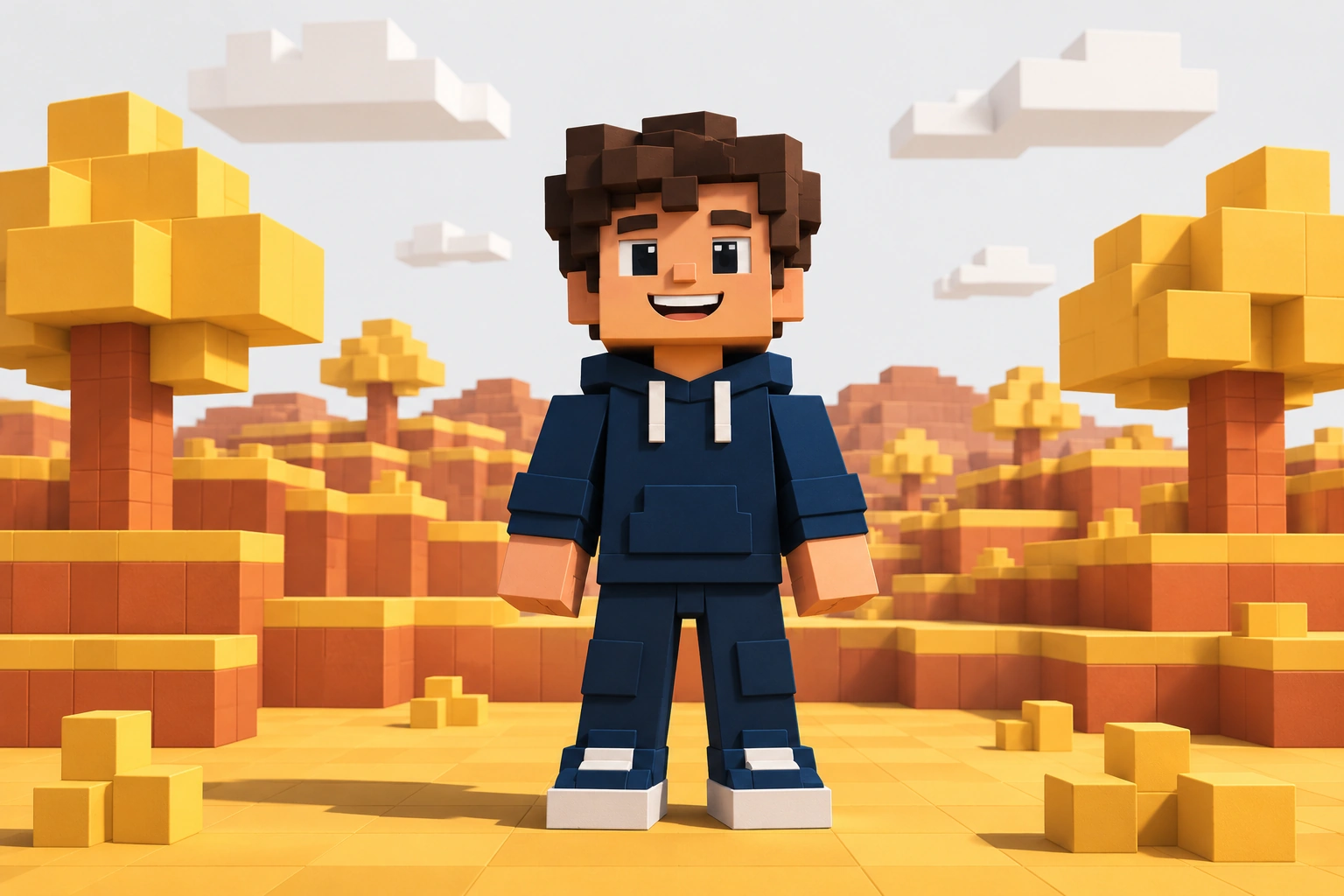
AI Game Builder
A custom game built with AI and simple coding.
Plan a world, build the game rules, and test a playable first version with an instructor.
Try it in a free lesson →
Study Buddy
An AI tool that turns notes into quizzes.
Design useful prompts, test different answers, and build a clear interface for a study tool.
Try it in a free lesson →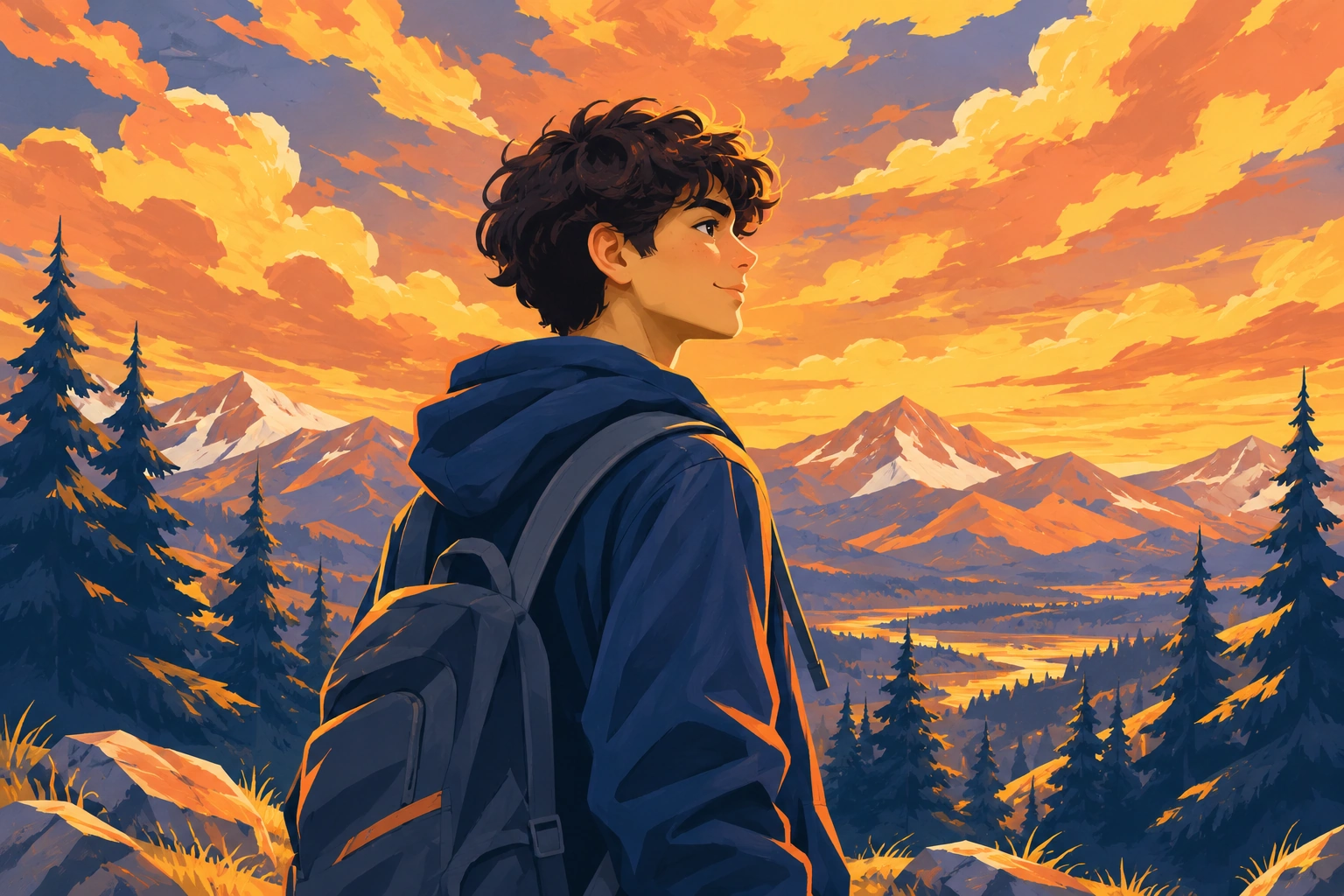
Build Your Own Startup
Turn an original idea into a working startup.
Find a problem, design a useful first version, build its brand, and present your startup with an instructor’s guidance.
Try it in a free lesson →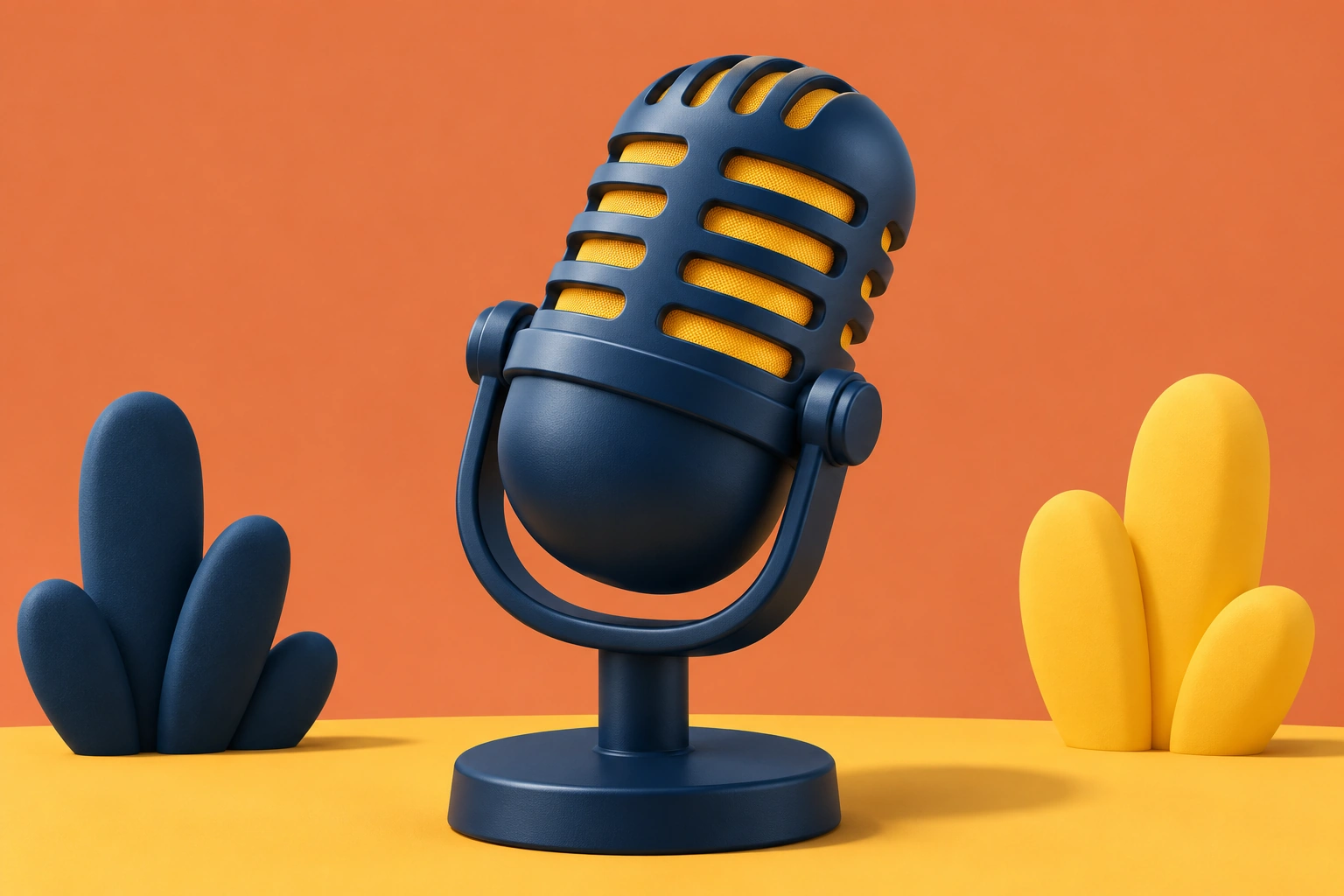
Podcast with AI
Plan, script and create a podcast using AI tools.
Choose a topic, create an outline, and learn to review and improve an AI-assisted script.
Try it in a free lesson →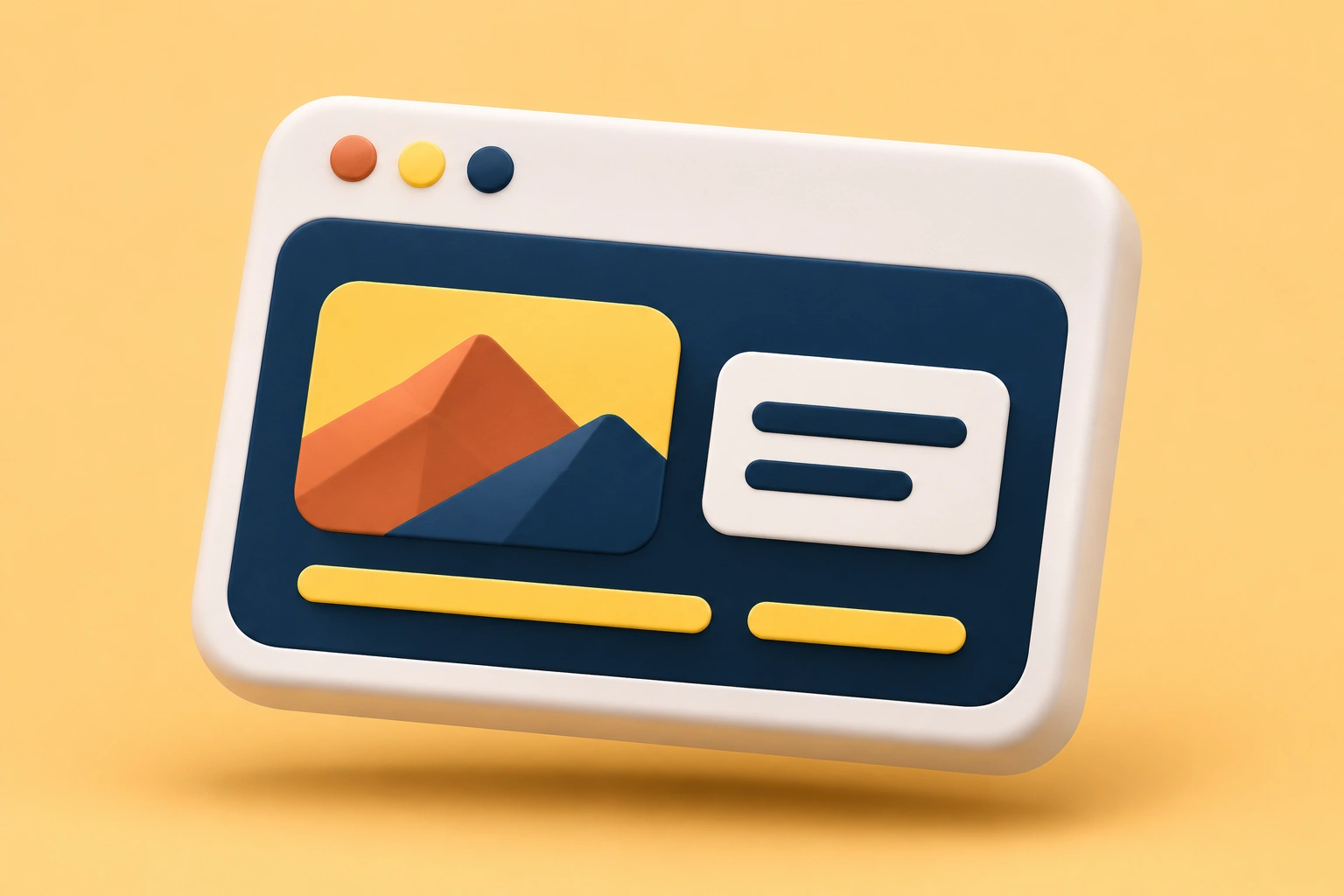
Capstone Project
Bring your skills together in a project of your own.
Choose an idea, plan and build it, test the result, and demonstrate what you learned in a final project.
Try it in a free lesson →Mini Website
A personalized website built with AI.
Turn an interest into a website, structure its content, and build a layout that works on a phone.
Try it in a free lesson →Illustrative project examples. Student projects are shared only with family permission and instructor approval.
Why TomorrowLabs
More than a class.
A launchpad for builders.

Personalized 1-on-1 learning
Real guidance, at your child’s pace.

Build, don’t just learn
Hands-on projects from day one.
Safe & age-appropriate
A positive and responsible AI environment.
Future-ready skills
Creativity, problem-solving and real-world application.
FAQ
Common questions,
clear answers.
What age groups is TomorrowLabs for?
Our AI Explorer programme is for ages 9 to 13, and AI Builder is for ages 14 to 17. We tailor lessons to your child’s starting point and interests.
Does my child need any prior experience?
No. Beginners are welcome. A live instructor helps your child learn each new idea by building a real project.
Are the lessons live or pre-recorded?
Lessons are live and one-on-one, with a dedicated instructor guiding your child through their projects.
Is it safe for kids to use AI?
An instructor guides each lesson. Students learn to question AI output and review proposed changes before applying them. Projects stay private by default.
How do I get started?
Book a free lesson to meet an instructor, share your child’s interests, and try a first build together.


For curious builders
Let’s build a
brighter tomorrow.
Give your child the skills, creativity and confidence to shape what comes next, with AI.
Book a free lesson